WoW Forever Error Codes & Install Problems
Last checked 3 Nov 2026
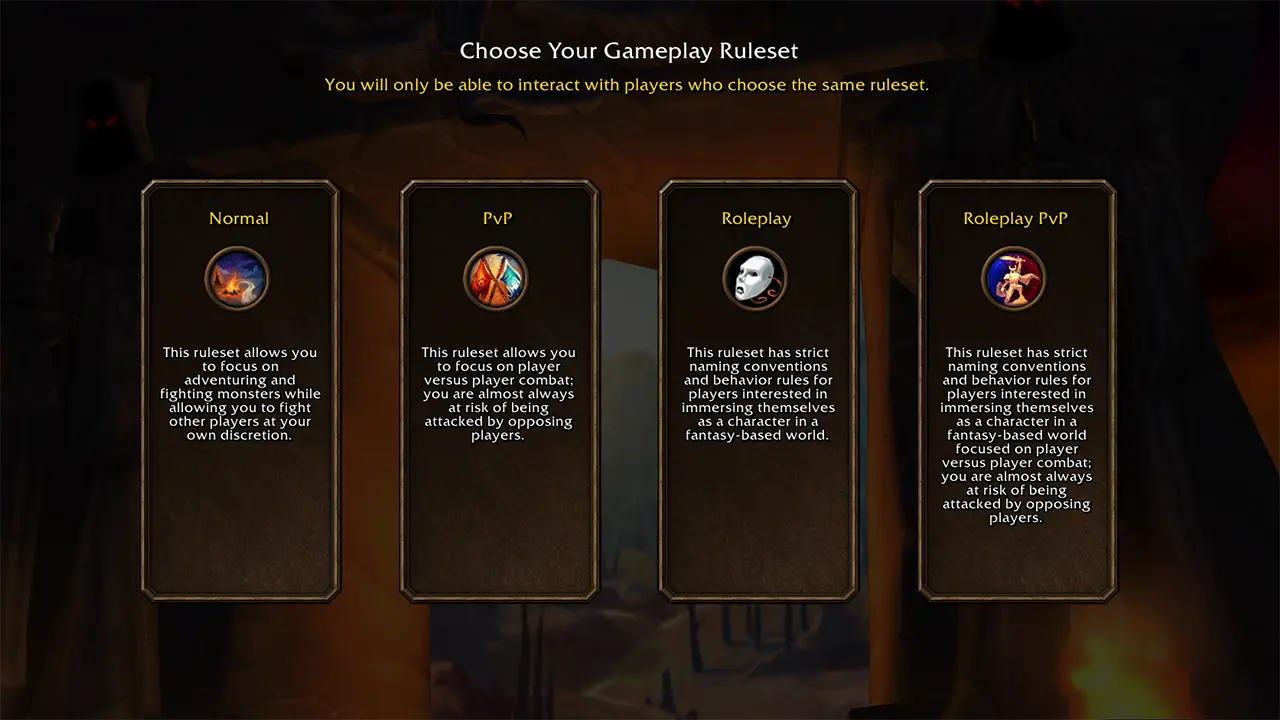
'No realms available': usually the beta client or a ruleset with no open realm; select the live client, try another ruleset, restart Battle.net. Forum reports show Roleplay was the only visible ruleset for some players.
'Retrieving character list' and 'Character not found': beta server-side issues, especially after the level-30 update; wait for Blizzard or restart the client. 'You have been disconnected' (BLZ51901016) and WOW51900319 appeared during restarts and maintenance.
Install 'This game cannot be installed yet': check the selected WoW account (the pack is account-bound), the Battle.net region, the launcher layout, and whether a physical CE code was entered. A player workaround starts the install with `--game=WoWF --install`; Blizzard has not documented it.
System requirements list 128 GB of available SSD space; this is a storage requirement, not a measured download size. The download size varies with shared installation data, so no fixed transfer-size claim is published here.
Sources
- Blizzard Forums — Forever name reservation — checked 2026-11-03
- foreverchanges.pro — server status — checked 2026-11-03
- Blizzard Support — BLZ51901016 — checked 2026-11-03
- Sportskeeda — 'cannot be installed yet' — checked 2026-11-03
- Timesaver — greyed-out Install fix — checked 2026-11-03
- Wowhead Blue Tracker — OS minimum specs — checked 2026-11-03