WoW Forever Classic vs Enhanced Preset
Last checked 3 Nov 2026
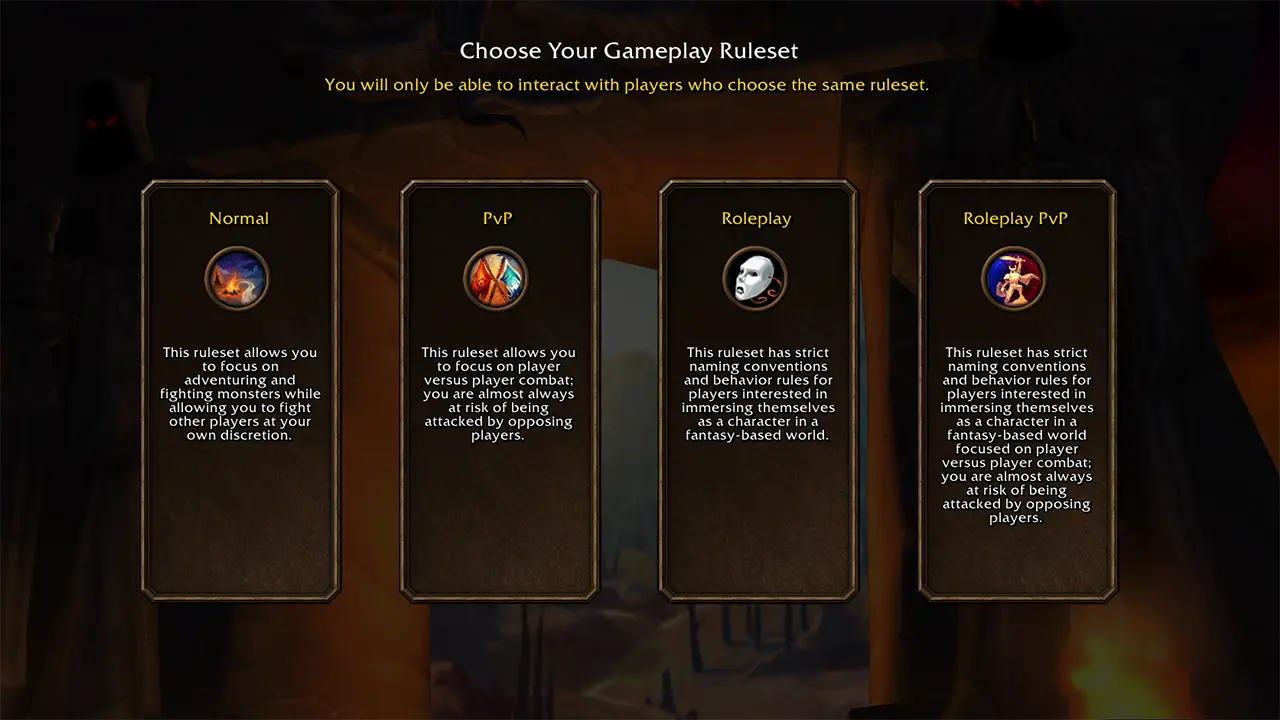
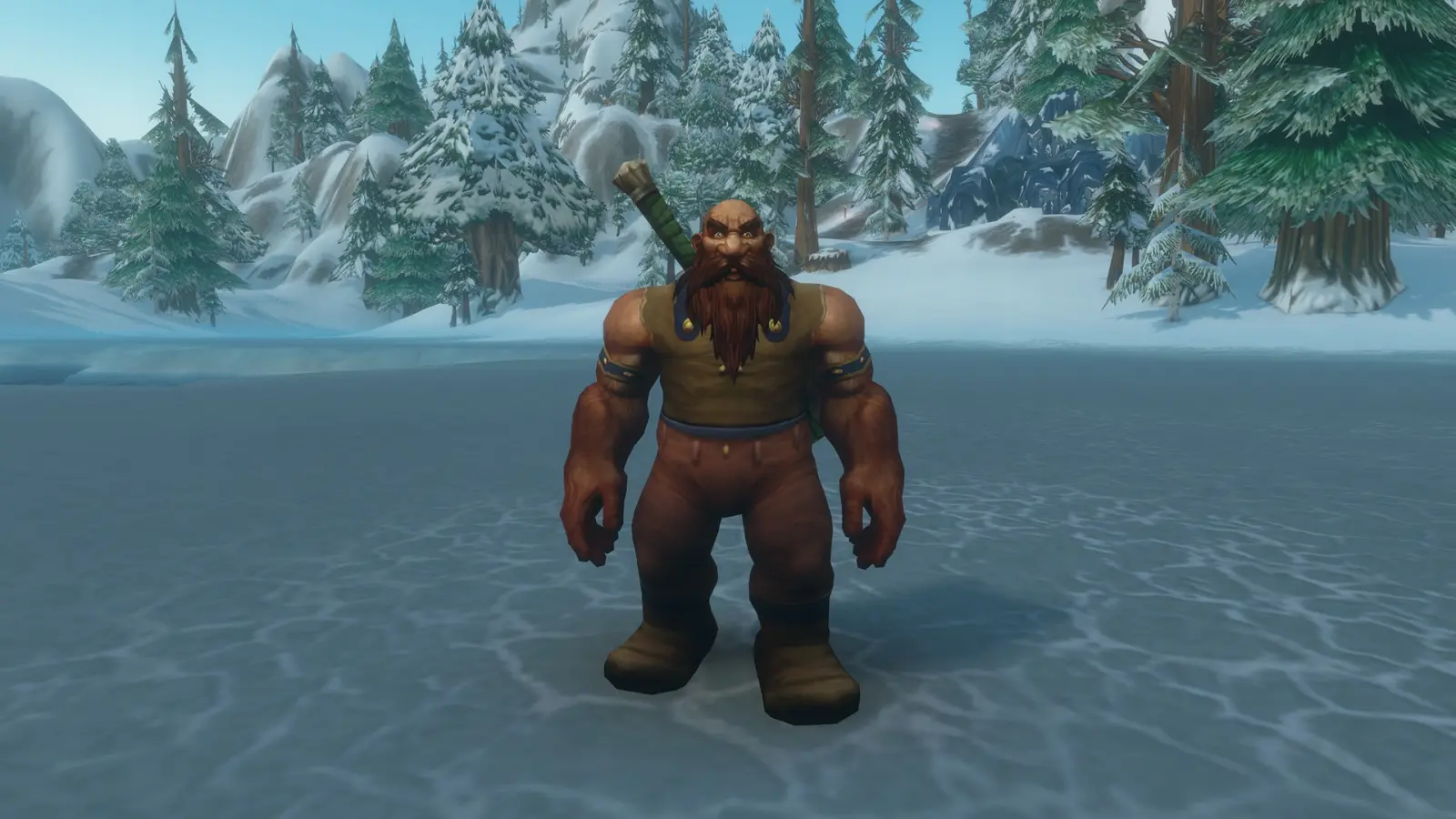
On first login, before choosing a ruleset, Forever asks for an Experience Preset. Classic: standard-definition models, quest POI/objective blobs off, one-bag off, transmog off, camera turning on keyboard, classic UI layout. Enhanced: HD models, POI on, one-bag on, transmog on, strafe on keyboard, centralised UI.
The preset is a starting point, not a lock: individual settings can be changed later under Game Menu > Options, and the screen does not appear again after the first login. Each character can separately choose HD or SD models and change later at the barber shop.
It is not a version choice and not a performance mode. There is no official performance comparison; one player test on a GTX 1050 Ti laptop reported no frame-rate change between HD and SD. The real performance levers are Secondary Lighting, Compute Effects, SSAO and render scale.
Sources
- Blizzard News — Forever Goes Live Globally November 4 — checked 2026-11-03
- Blizzard — Forever systems recap — checked 2026-11-03
- WoW4Ever — graphics settings / no DLSS — checked 2026-11-03
- Wowhead — Graphics upgrades — checked 2026-11-03